
AI Video Editor - Vidma Cut AI
Vidma Video Studio
Downloads
50,000,000+
Source
Google Play
Click to download now, finish the installation quickly, and directly unlock the all-round experience
Screenshots
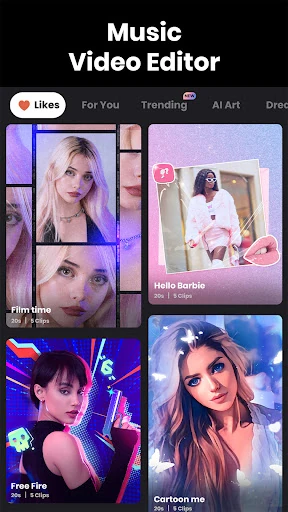

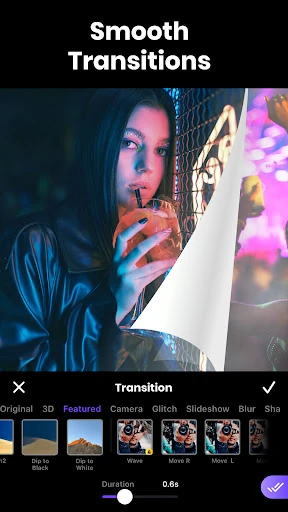
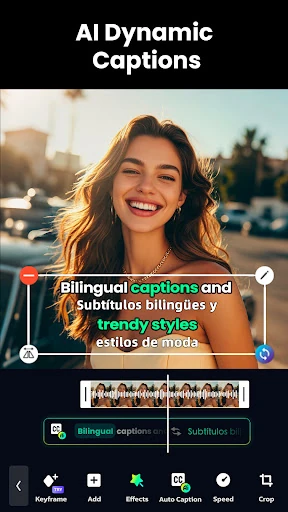

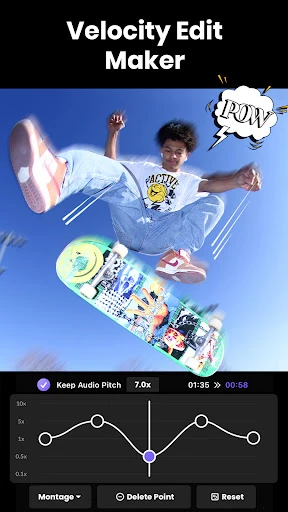
Click to download now, finish the installation quickly, and directly unlock the all-round experience
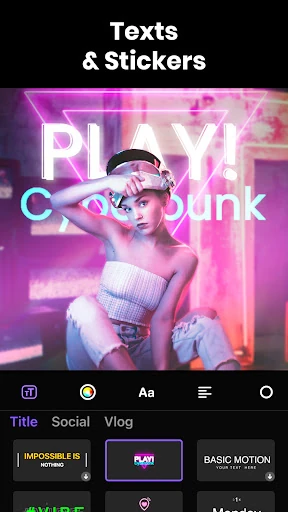
AI Video Editor - Vidma Cut AI is for people who want to shape phone footage into short videos, rather than simply trim a clip. You can cut, split and crop footage, arrange multiple video layers, and add music, text, stickers, transitions and visual effects. It suits casual creators making clips for social feeds, as well as anyone who wants a broader set of editing tools in one app.
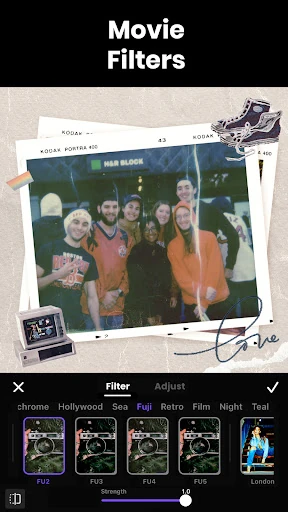
The app combines practical edits with decorative options: filters and effects, animated text, and AI art styles. You can add music or audio from video, record a voice-over, and adjust clips with speed changes or reverse playback. Slideshow templates and portrait, landscape and square formats give you ways to start and frame a project without building every detail from scratch.
There is also room for more involved edits, including keyframes, green-screen replacement and background removal. Those tools may be useful when a simple cut-and-music edit is not enough, though a larger toolset can take more time to learn than a basic trimmer.
Vidma Video Studio is the developer. The listing shows 50,000,000+ installs and a 4.59 rating from 374,164 ratings. That is a substantial audience and a large pool of public feedback; it is a useful sign that many people have tried the app, but it does not guarantee that every tool will suit your editing style.
Vidma Cut AI is most likely to earn a regular place for someone who often makes short videos and wants music, effects and layered editing together. If you only need occasional trimming, its extra creative controls may be more than you need. If you like refining clips over several sessions, the ability to save drafts and return to them can make it easier to keep a project moving.