Document Reader & PDF Editor
QR Code Scanner.
Downloads
50,000,000+
Source
Google Play
Click to download now, finish the installation quickly, and directly unlock the all-round experience
Screenshots
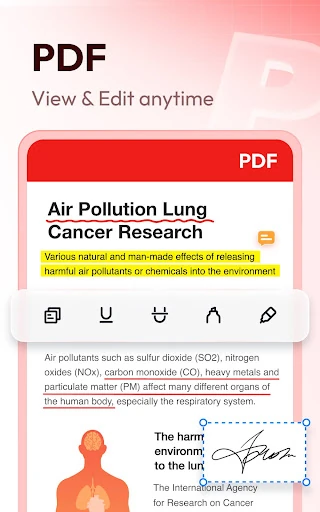
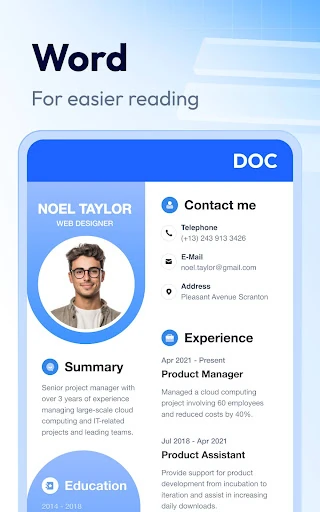
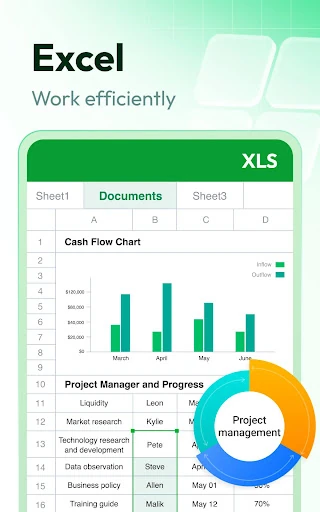
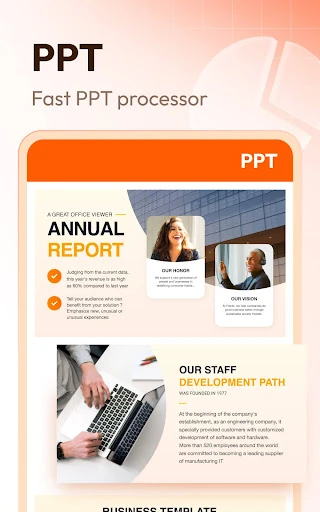
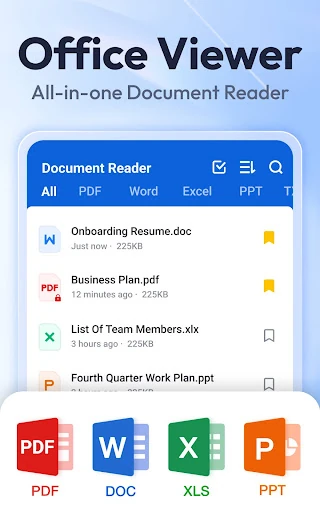
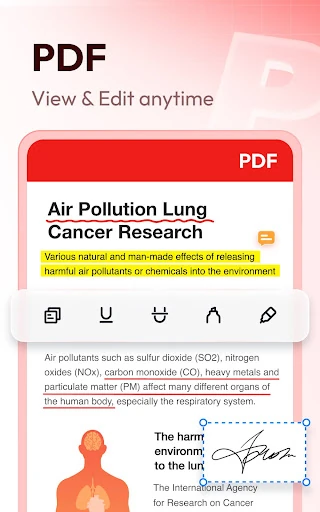
Click to download now, finish the installation quickly, and directly unlock the all-round experience
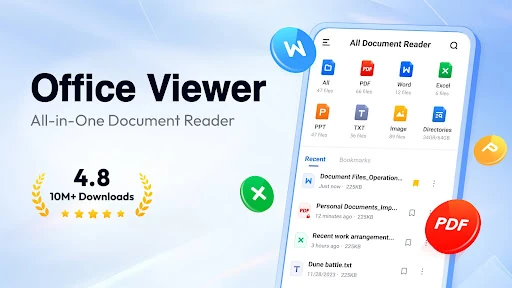
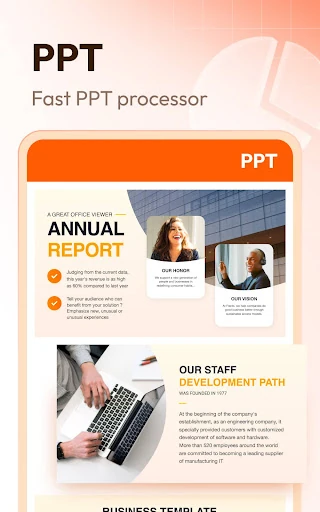
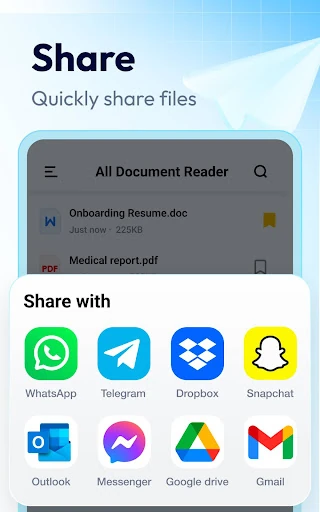
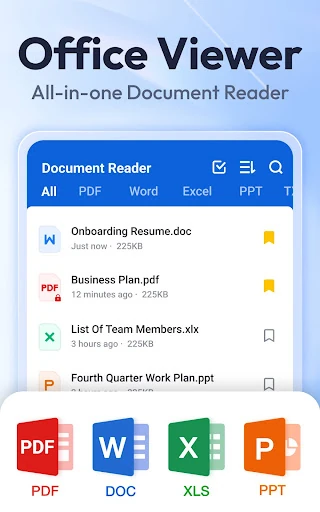
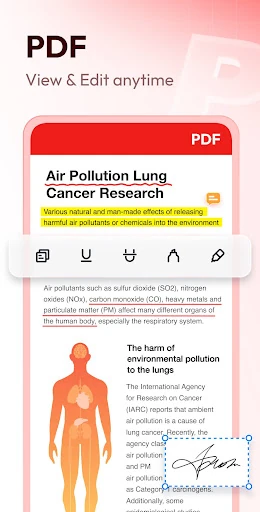
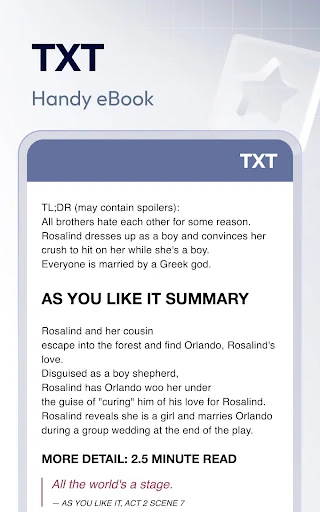
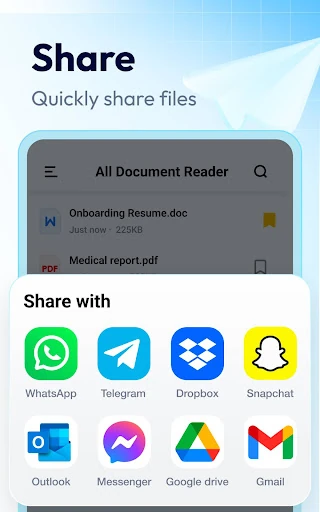
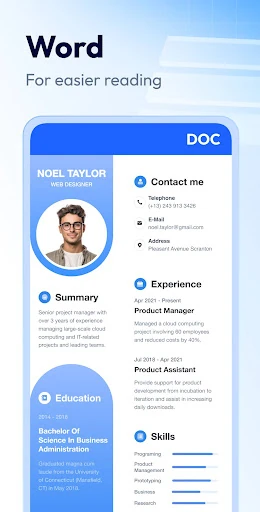
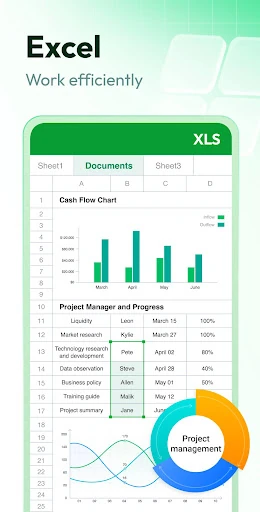
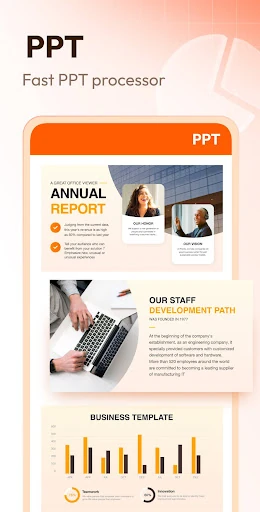
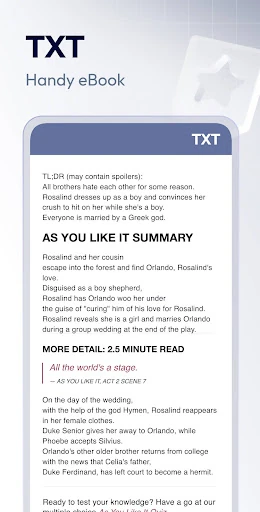
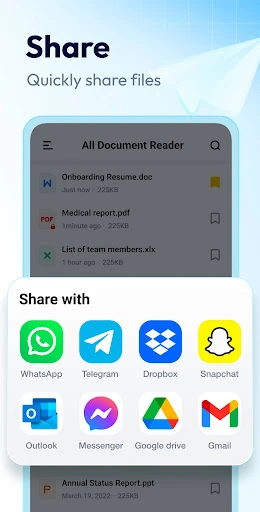
Document Reader & PDF Editor is a mobile document viewer for opening PDFs and common Office files, including Word, Excel and PowerPoint formats. It suits people who regularly receive documents on their phone and want one app for reading them, rather than separate viewers for each file type. The app also scans local files and groups documents so they can be found again without retracing where they were saved.
For everyday use, the value is straightforward: open a document, move between pages and adjust the view to suit a phone screen. The reference listing describes offline access, which is useful for files already on the device when a connection is unavailable. Its file-organizing role may also help people who accumulate downloads, though it is still worth keeping important documents in folders or backups you control.
The name promises editing as well as reading. The available information points more strongly to viewing than to advanced document editing, so do not choose it on the assumption that it will replace a full office suite for substantial changes.
The listing shows 50,000,000+ installs and a 4.63 rating from 389,013 ratings. Those figures suggest the app has found a large audience, and the review count gives more context than a rating based on only a handful of opinions. Popularity is not proof of consistent upkeep, however, and the supplied details do not establish how often the developer updates it.
The developer is listed as QR Code Scanner. That name does not explain its connection to document software, so users who weigh a clear developer identity heavily may want to check the app’s current listing and permissions before relying on it for sensitive files.
It is a practical candidate for someone who often needs to read PDFs and Office documents on Android and values having local files gathered in one place. If your routine depends on deep editing or a clearly documented maintenance history, the listing gives less reassurance on those points. Its strongest case is repeated, simple document access—not replacing every tool in an office workflow.